

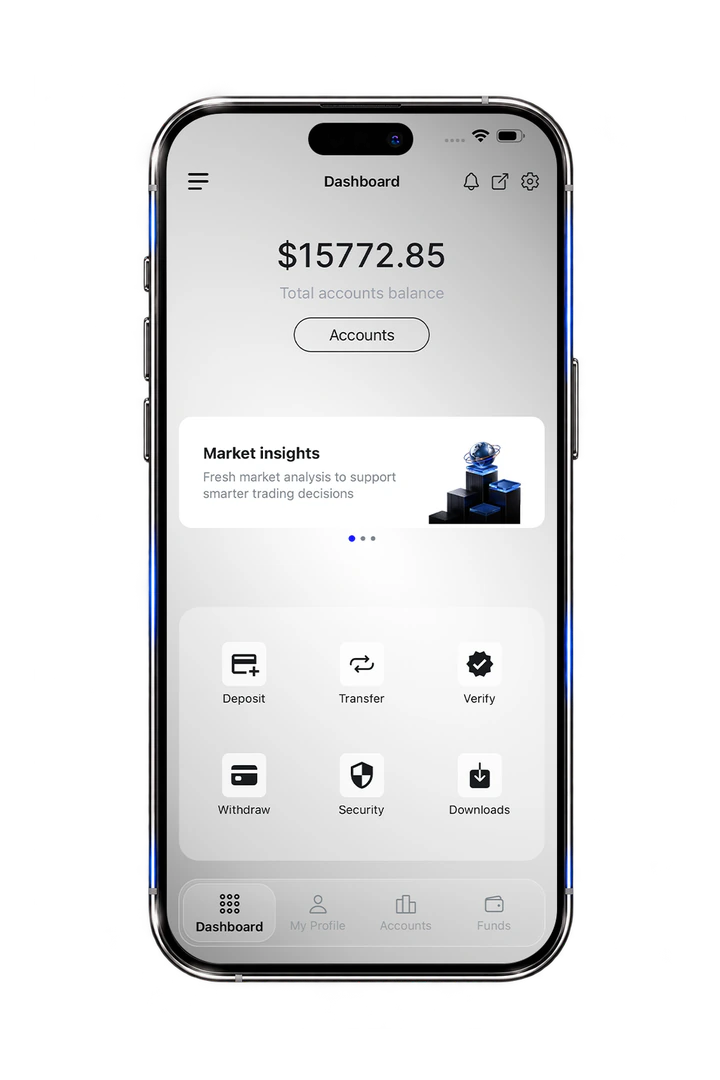



Move your funds
Access the deposit and withdrawal routes available to your account.
Trading
Manage live and demo accounts, review balances and equity, access funding options and follow your IB business with the OnEquity Client App.
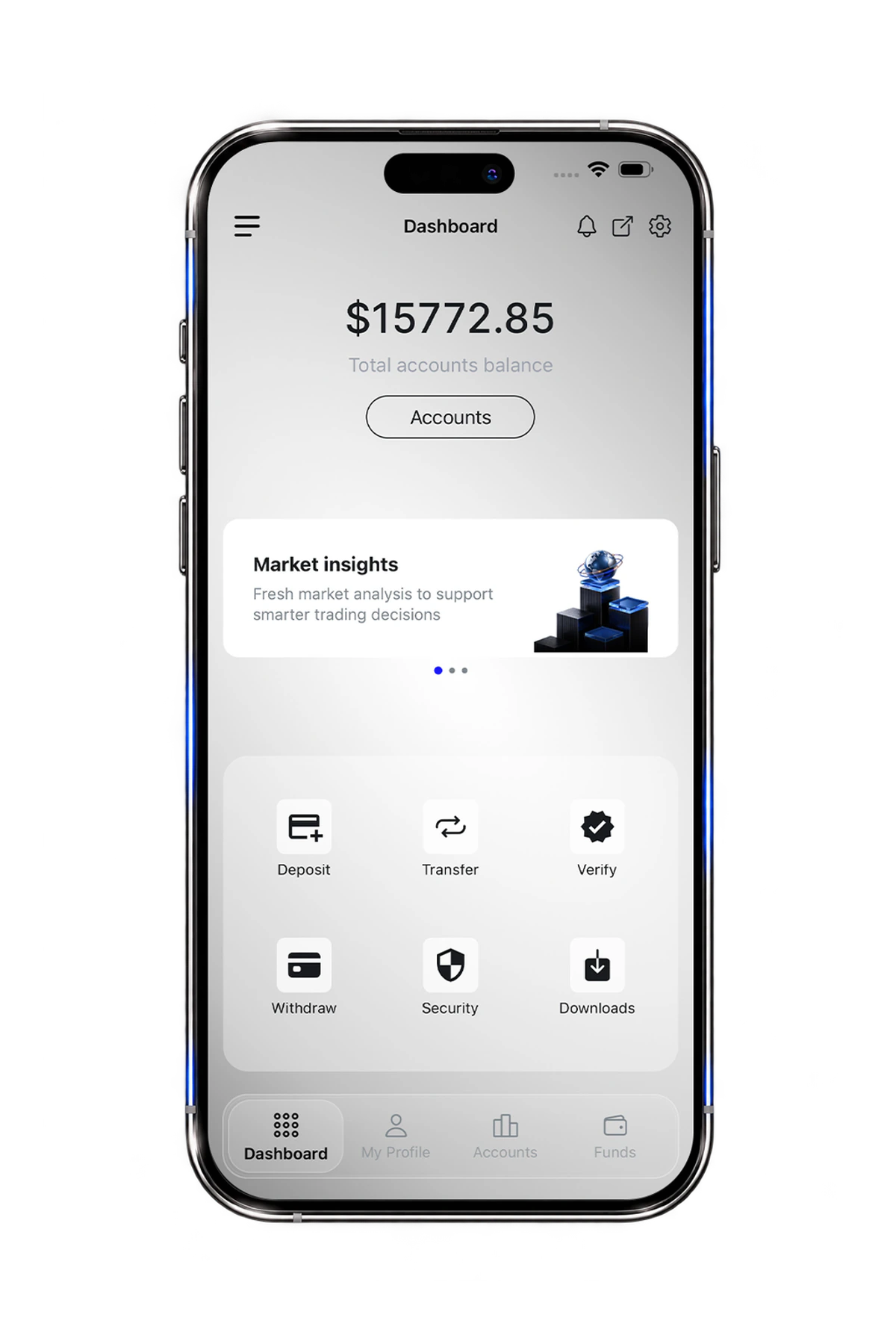
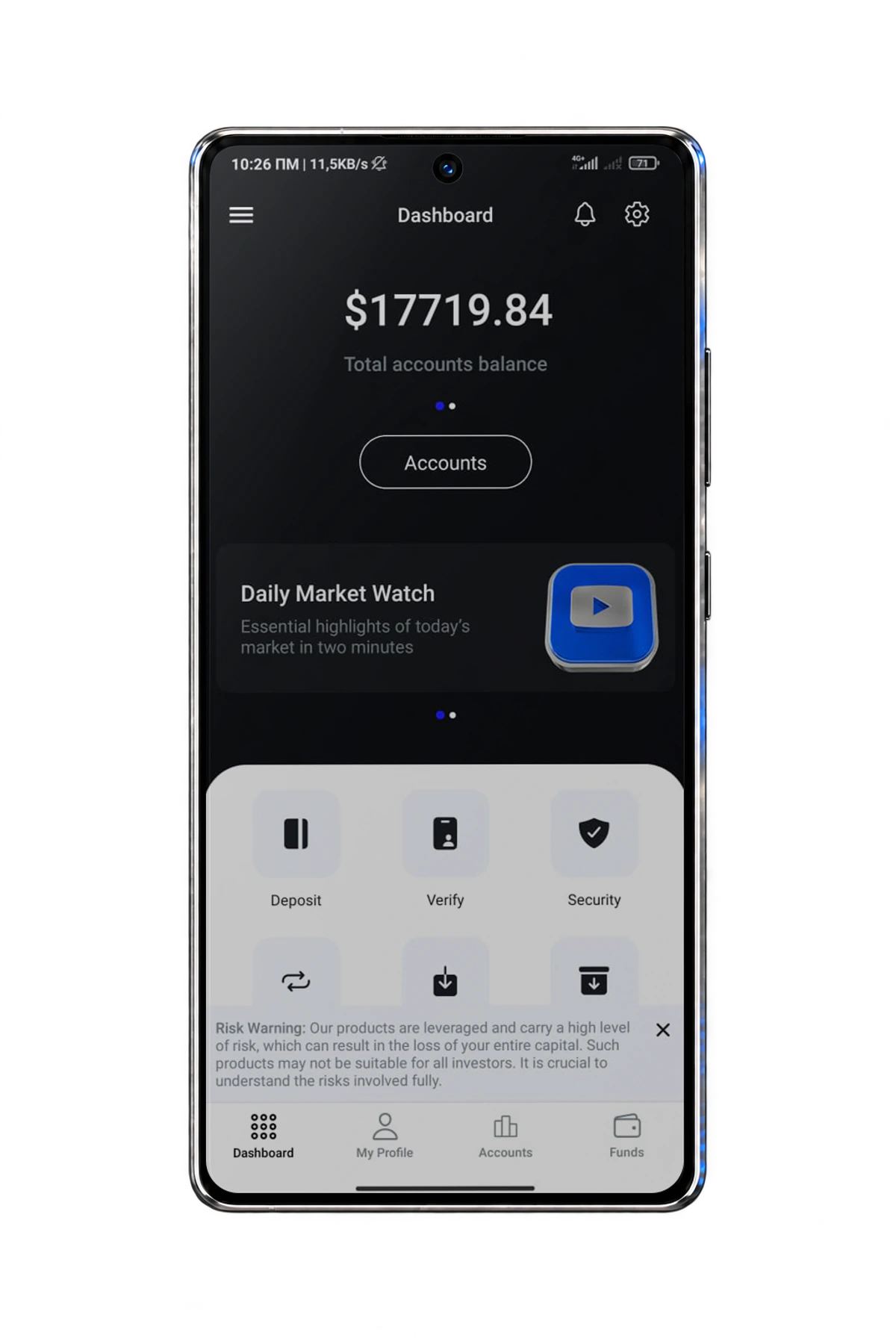
Account overview
Move between live and demo accounts and review balances, equity and available funds.
Access the deposit and withdrawal routes available to your account.
Follow account activity and updates from your phone.
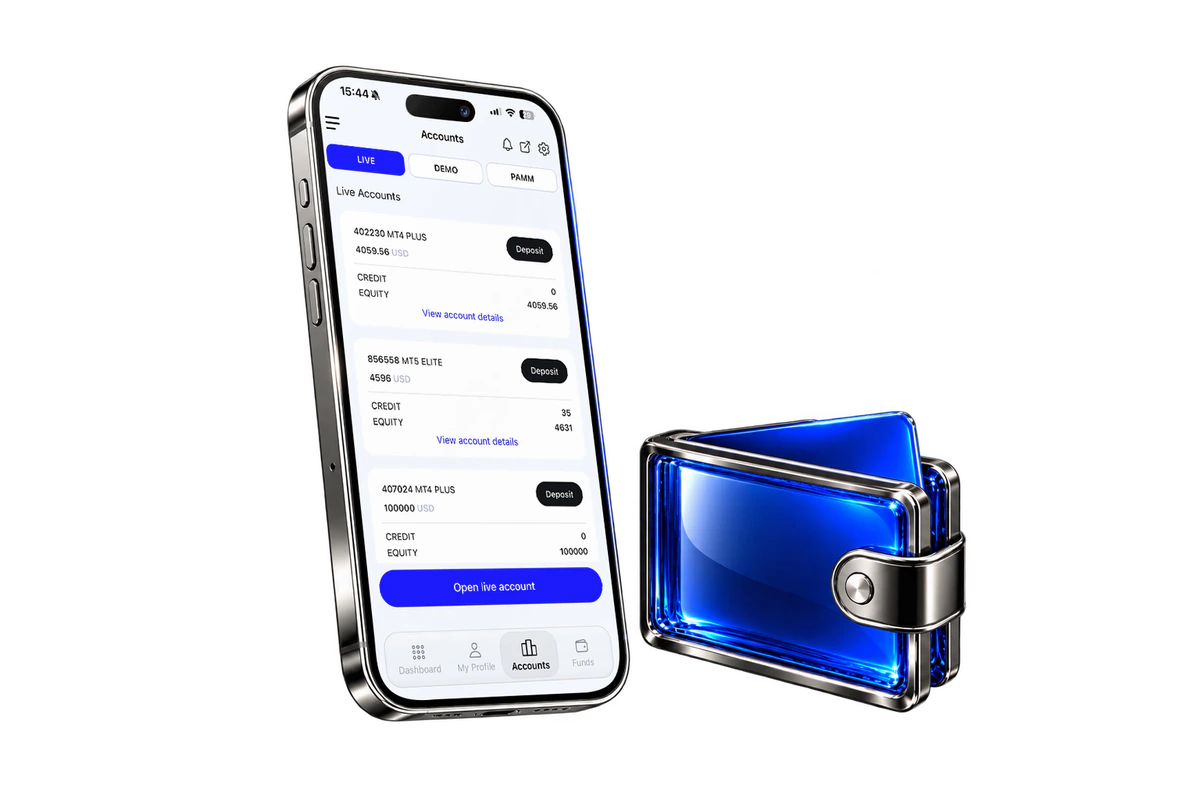
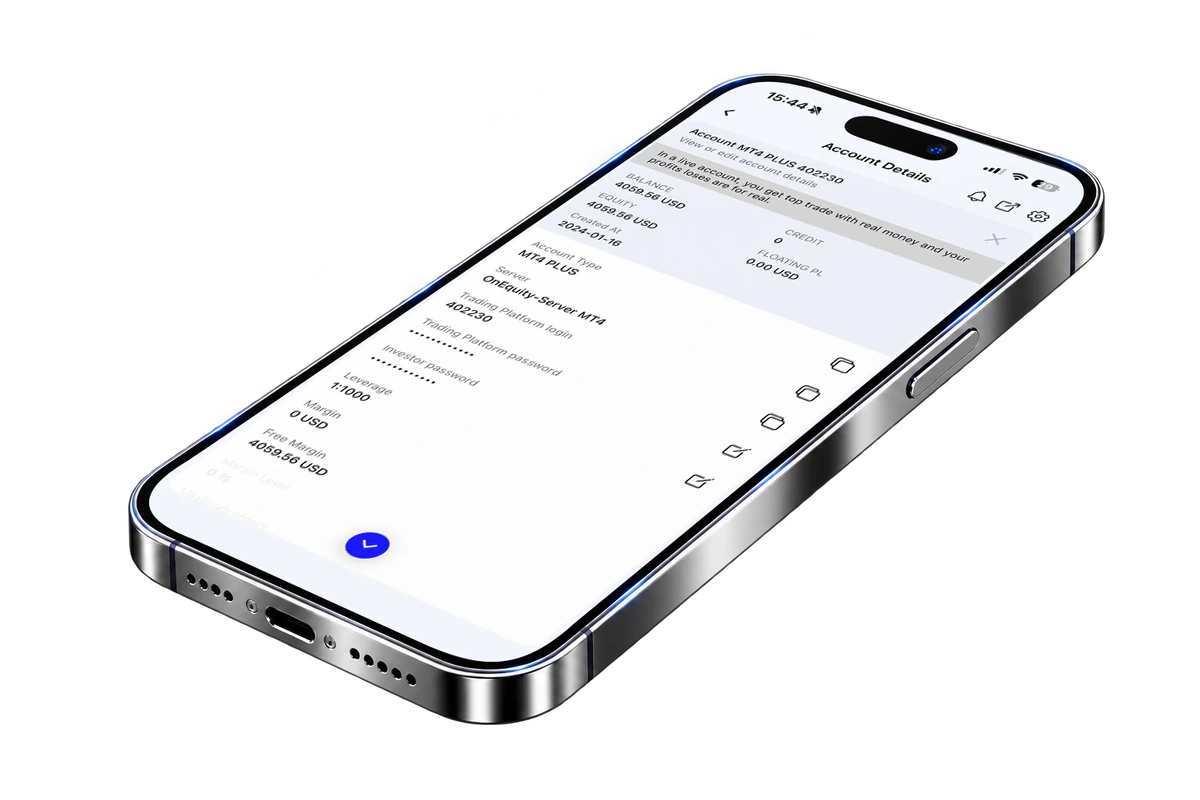
Your account workspace
View your personal and account details.
Find your account documents.
Find platform information for your trading account.
More ways to stay connected
Introducing brokers can review referred clients, client activity, commissions and balances.
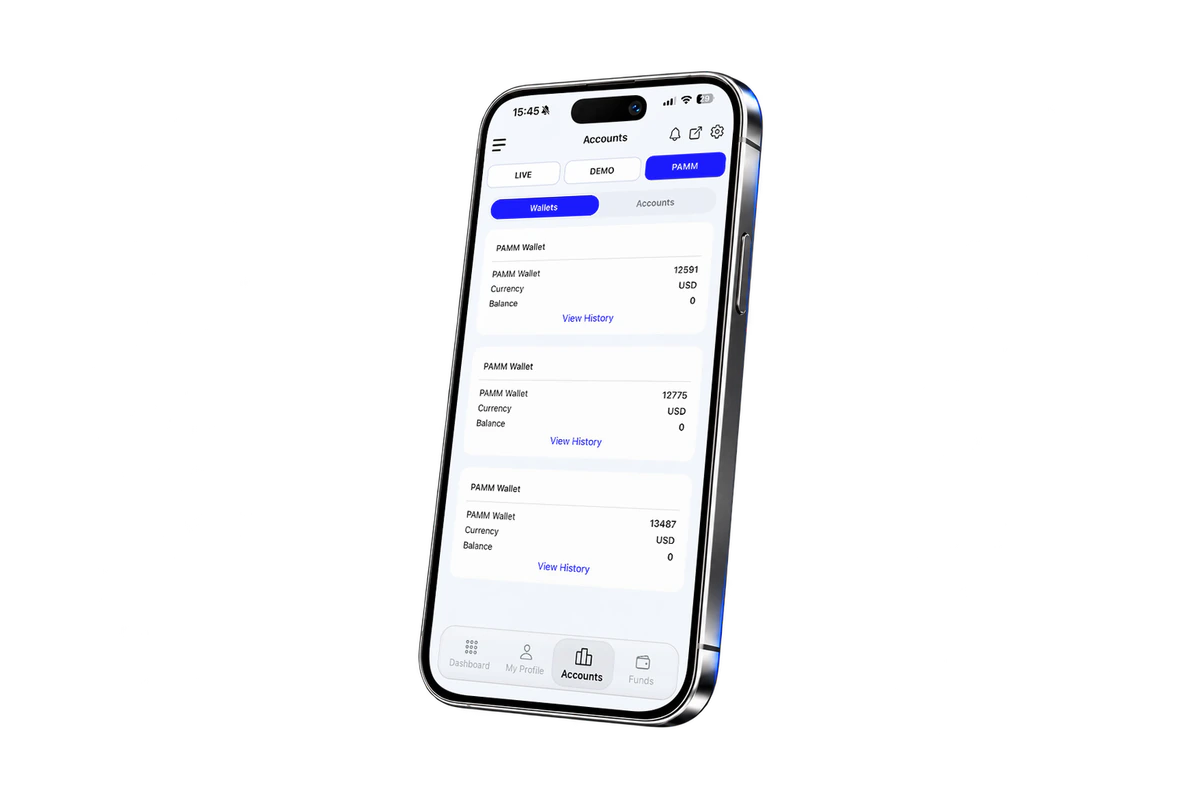
Follow PAMM account updates where these are available to your profile.
The Client App supports account services; MT4 and MT5 remain your trading platforms.
Get the Client App
Available for iOS and Android. Sign in to access the services available to your account.

 Scan to download
Your questions
Review your accounts, balances, equity and activity, access funding options, and reach key account services from your phone.
No. The Client App is for account management. Use the MT4 or MT5 terminal assigned to your trading account to place and manage trades.
Yes. The app brings live and demo account information into one dashboard so you can review the accounts linked to your profile.
Yes. You can access the funding options available to your account. Methods, limits and processing depend on your account and payment route.
You can review balances, equity, available funds and recent account activity, with access to account details and essential services.
The app’s organised menu provides access to account details, documents, platforms and other key account areas.
Yes. IB tools support reviewing referred clients and client activity, tracking commission performance and balances, and accessing key IB information.
Use the App Store or Google Play buttons on this page, or scan the OnEquity download QR code.
PAMM account updates are shown in the published App experience. Confirm the available PAMM services for your profile; full allocation and manager controls are not described here.