

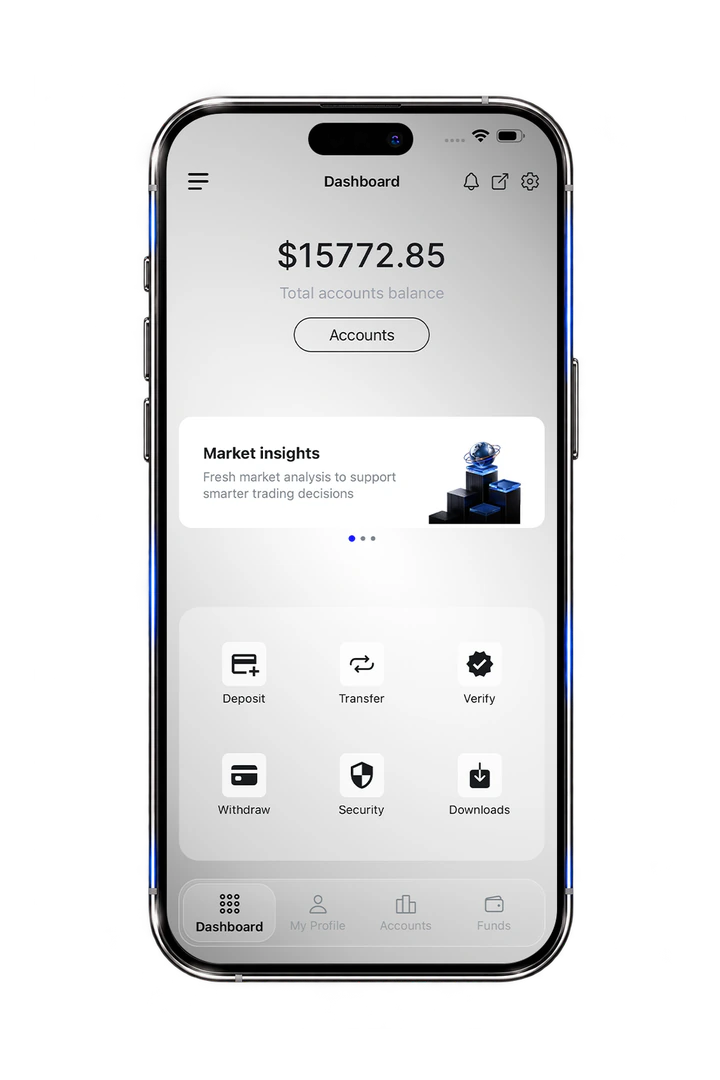



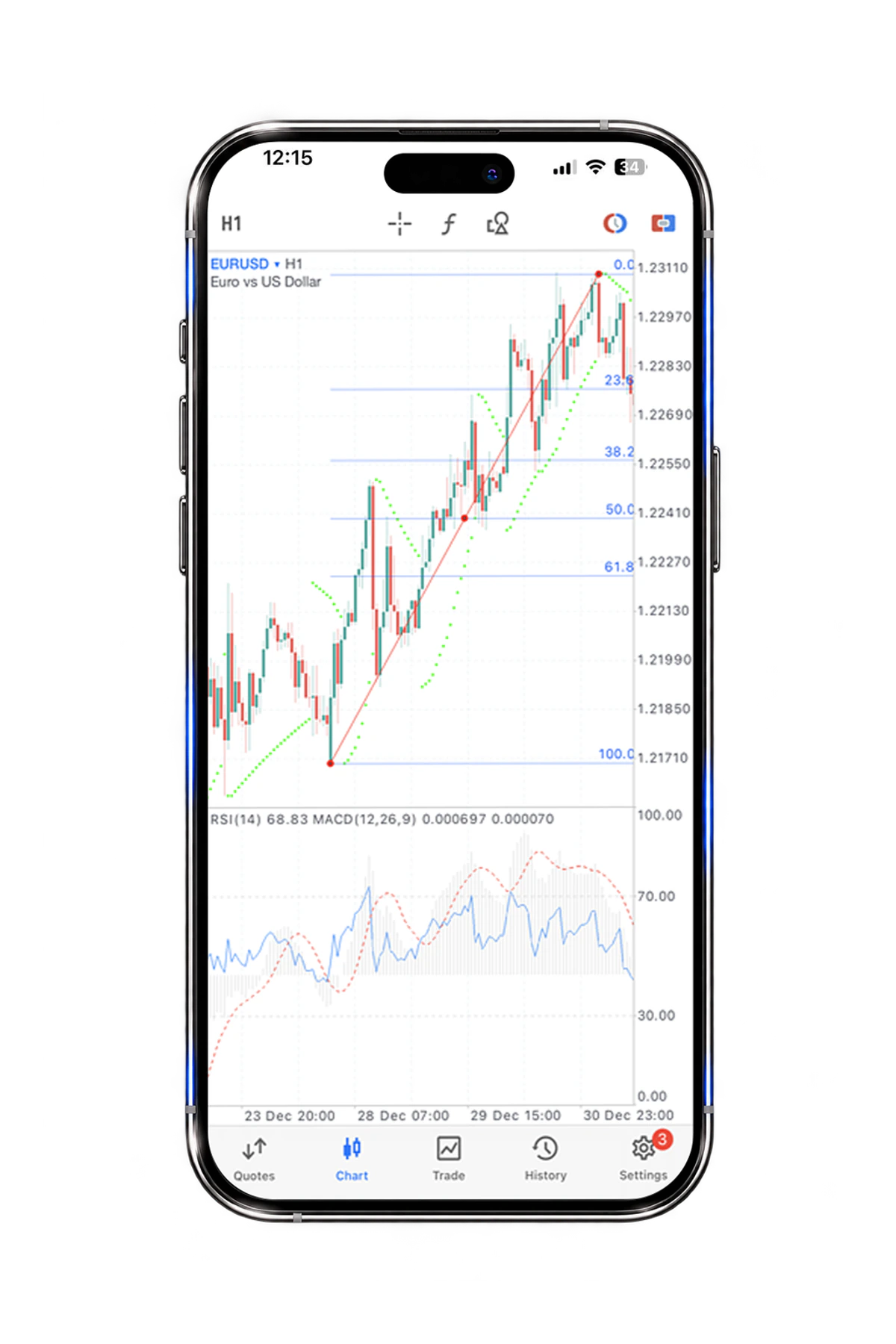
Chart timeframes
From M1 to MN1. Switch between intraday and longer-term market views.
Trading
Access MetaTrader 4 through OnEquity for CFD charting, order tools and automated strategies.
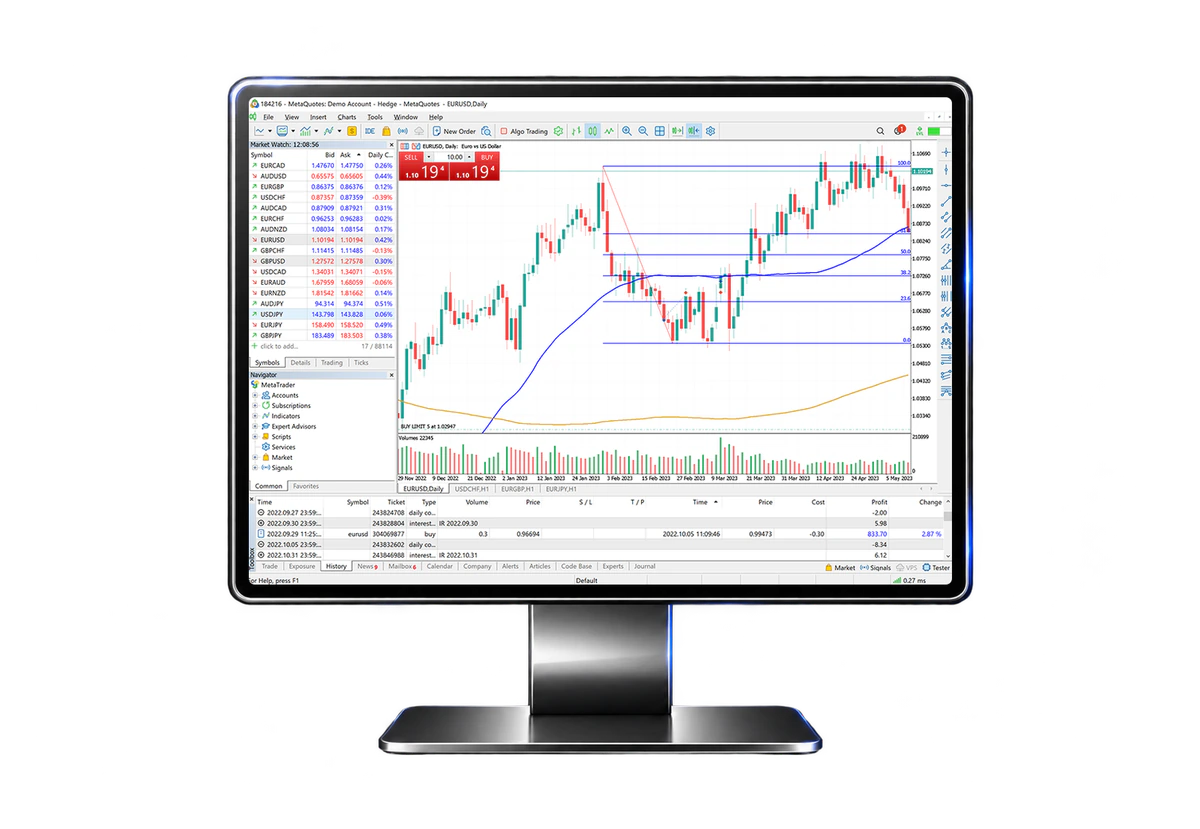
Desktop platform capabilities
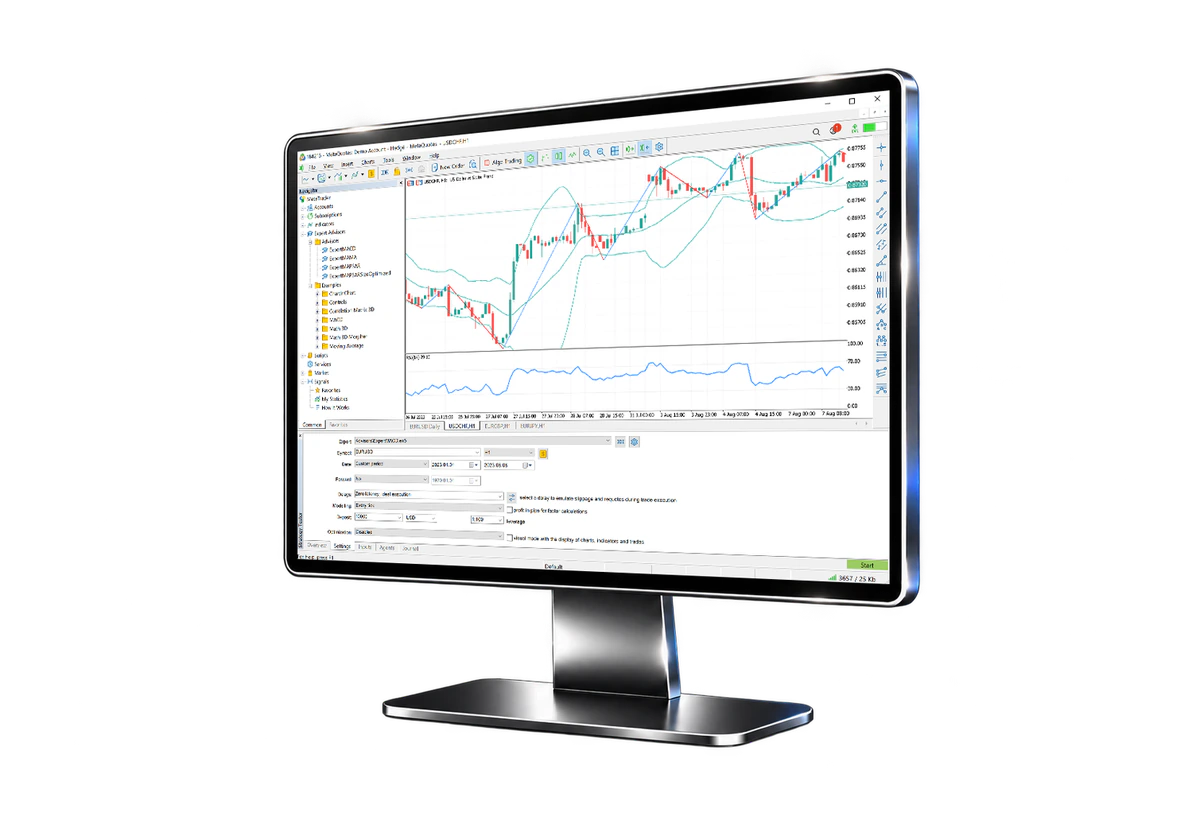
From M1 to MN1. Switch between intraday and longer-term market views.
Plus custom indicators. Combine built-in tools with compatible custom analysis.
Limit and stop orders. Choose the instructions that match your planned entry.
Your trading workspace
Compare MT4’s MQL4 workflow with MT5’s charting, orders and testing tools.

| Desktop feature | MetaTrader 4This platform | MetaTrader 5 |
|---|---|---|
| Chart timeframes | 9 | 21 |
| Built-in indicators | 30 | 38 |
| Pending orders | 4 types | 6 types, including stop-limit |
| Automation language | MQL4 | MQL5 |
| Desktop strategy tester | Single-threaded | Multi-threaded, multi-currency |
| Real-tick strategy testing | Not built in | Supported when data is available |
Connect your account
Register through the official Client Portal and complete the verification steps.
Check your trading account number, platform version and assigned server.
Sign in to the matching terminal and review each instrument’s specification before placing an order.
Your questions
Sign in to the Client Portal at auth.onequity.com to find your MetaTrader 4 account details. In the terminal, use the trading-account login, password and exact server assigned to that account.
The desktop platform includes 9 chart timeframes and 30 built-in indicators. Custom indicators can extend the tools available.
MT4 desktop supports Expert Advisors written for MQL4. Check the applicable account agreement before enabling automated trading; a trading robot does not remove market risk.
MT4 supports Buy Limit, Sell Limit, Buy Stop and Sell Stop orders.
No. Use the credentials and server assigned to the specific platform account. Your Client Portal login and trading-account login also serve different purposes.
No. The tools and workflows vary by device. Desktop features such as Expert Advisors and strategy testing are not the same as the tools available in the mobile apps.
MT4 uses MQL4 and MT5 uses MQL5. An MT4 programme does not run directly in MT5; use a compatible version or have its code adapted and tested.
A demo account uses virtual funds for practice. A live account uses real money and carries financial risk; execution and trading conditions can differ from a demo environment.